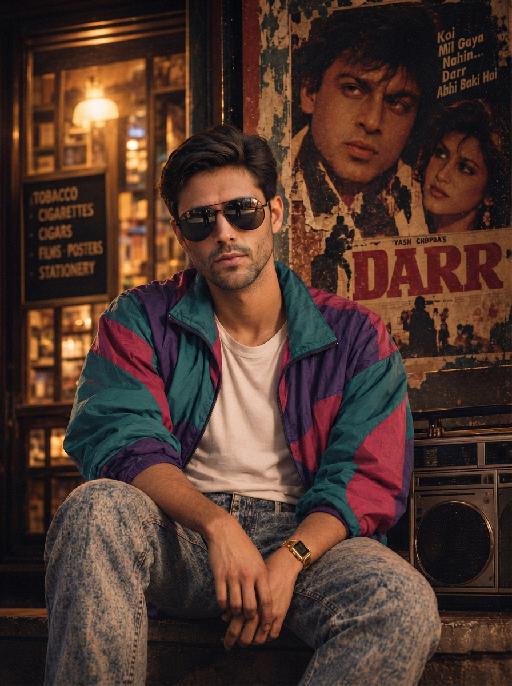
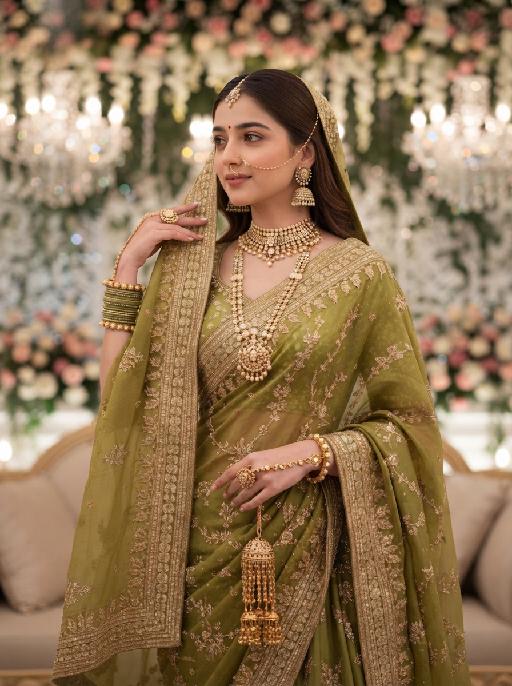
More From VIVAGO AI

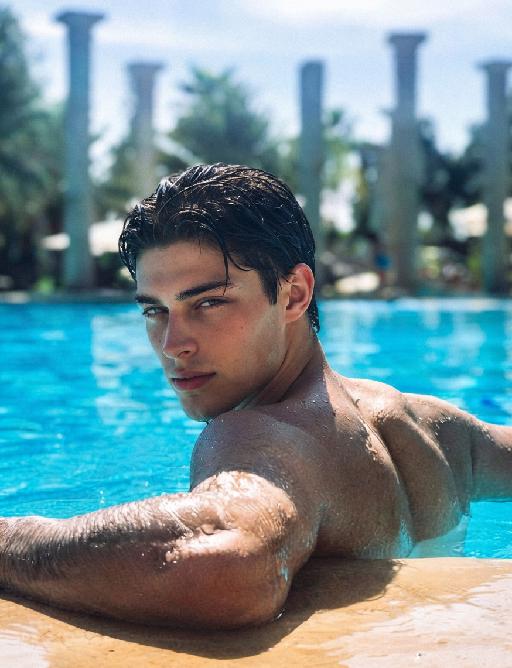
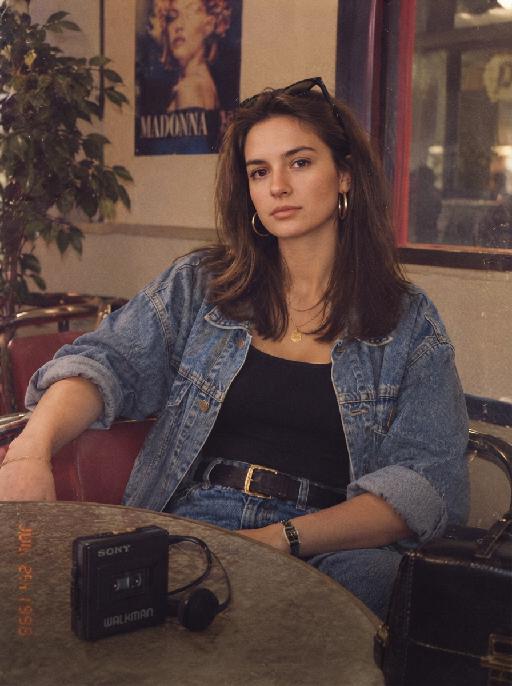
Cool Hairstyle

"1. Basic scene and character settings: Refer to the picture where the characters are surrounded by a wide black hair salon cloth. (Mid shot) Ensure that the composition is above the person's legs. The person held a black smartphone in one hand and recorded the entire process from a first person selfie perspective. This person's expression remained unchanged throughout the entire process, uniform and natural, 4K ultra high definition, with movie like skin tone, obvious depth of field, and soft bokeh effects on the background neon lights and mirrors. 2. Core Consistency Control [Strict Lockdown]: Within 10 seconds of the entire video, the facial features of the character (facial proportions, eye color, skin texture) must remain absolutely consistent, without any distortion or deterioration. The position, grip posture, and gaze direction of the mobile phone should remain unchanged. The only change lies in the hair: each hairstyle transitions through a physical process of ""hair dissolution/natural growth"" to ensure that the texture, luster, and gravitational sagging of the hair feel realistic and natural. 3. Hairstyle Sequence and Transition (10 seconds, 8 hairstyles) Hairstyle 1 → 2 (0-1.5 seconds): Initially, the hairstyle was based on a reference person's hairstyle, gradually evolving into a modern messy hairstyle (dark brown, fluffy, ventilated feeling). Hairstyle 2 → 3 (1.5-3 seconds): Hair quickly softens, intertwines and lengthens, turning golden yellow and woven into light golden braids (hanging down to the forehead, with a street fashion vibe). Hairstyle 3 → 4 (3-4 seconds): Braids spread out like water, becoming longer and thinner, naturally hanging down, and the color deepens to jet black, forming shoulder length curly hair (smooth and glossy, velvet like curves, exuding artistic temperament). Hairstyle 4 → 5 (4-5 seconds): The long curly hair instantly shrinks and becomes shorter, the bangs slightly curl to cover the forehead, and then become short hair, with 6 long and thin braids hanging down from the edges of the hair. Hairstyle 5 → 6 (5-6 seconds): Comb and dissolve the hair, shave both sides clean, make the overall length uniform, and turn it into a tough round hairstyle (only a few millimeters, with delicate gradient contours at the back of the neck). Hairstyle 6 → 7 (6-7 seconds): Weave the hair into geometric lines close to the scalp (tie a small bun at the back with sharp lines). Then, loosen the braid and let the hair stand upright. Hairstyle 7 → 8 (7-8 seconds): The hair gradually turns silver white, the bangs are trimmed neatly, and it becomes a very short silver white spiky hairstyle. The silver white gradually disappeared, returning to dark brown, and the hair became fluffy and curly again. Hairstyle 8 → End (8-10 seconds): The hairstyle is perfectly restored to the initial reference image, and the video ends. 4. Rendering and technical features: ultra realistic rendering, ray tracing, hair level detail simulation, realistic physical dynamics, movie level lighting, 60fps, no stuttering, stable time consistency."

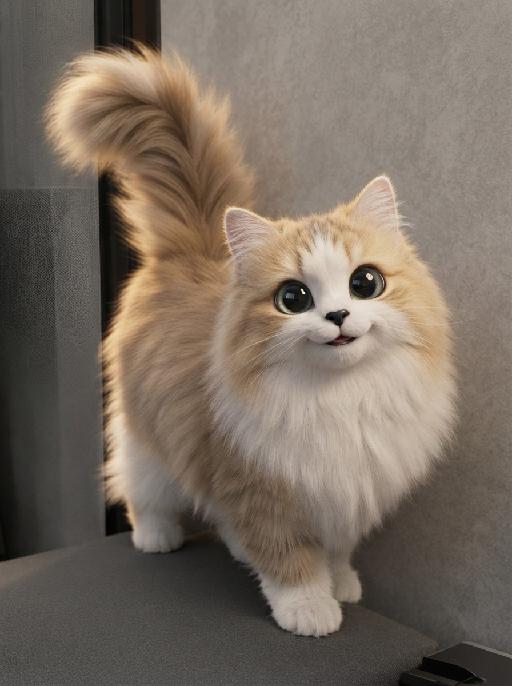
Michael Cat

"System Role: You are an expert AI Image Editing Assistant. Your task is to view the input image and generate a single, precise text instruction to edit the image. Logic Requirements: Analyze Identity: Identify the main subject. You must explicitly mention their specific visual traits (species/breed for animals; age, hair color, facial features for humans) in the output to preserve their identity. Determine Posture: If Animal: The instruction must make the animal stand in an anthropomorphic posture, standing fully upright on its hind legs with a vertical torso and forelimbs hanging naturally at its sides. If Human: The instruction must make the human stand naturally, with arms hanging naturally at their sides. Apply Scene & Costume: With a small black bow tied around the neck, the scene changed. Style: High-definition realistic, cinematic texture,high-end photography style, the aesthetic charm of fashion photography."

Jewel Glasses AI effects generated image

Jewel Glasses

Recreate the quirky blue studio portrait. The uploaded pet faces forward wearing enormous round silver rhinestone sunglasses with blue mirrored lenses and a chunky sky-blue knitted turtleneck sweater with large dark buttons. Solid cyan background, close chest-up crop, humorous high-fashion expression, crisp knit and gem texture. The subject remains an animal throughout. No people or human hands. No real brands, logos, watermarks or readable text. Accurately preserve the uploaded pet's species, breed, coat color and markings, ear shape, muzzle and face structure, eye color and body proportions. Keep it instantly recognisable as the same animal; change only pose, scene, clothing and accessories. Vertical 3:4, photorealistic, crisp detail, with the pet as the unmistakable main subject.

Cowgirl AI effects generated image

Cowgirl

"Drawing on the facial structure, three-dimensional facial features, skin tone range and age vibe of the uploaded model’s image (without strict identity replication), a new female figure is created: a confident, warm and approachable woman with a Western cowgirl aesthetic, whose bearing is resilient yet not stern. A soft, natural and restrained smile graces her face – understated, yet enough to convey a poised, confident and gentle sense of strength. She is riding a magnificent white steed, with the horse’s front fully in clear view and its entire face featured in the frame; its coat is clean, bright and glowing with a natural sheen, with realistic texture and accurate proportions. The matching brown leather saddle and reins are exquisitely crafted with neat detailing, and the metal fittings catch the light with a natural shimmer, fully conforming to the structural norms of real equestrian gear. The image adopts a close-up composition, focusing sharply on the woman’s face and upper body to make her the clear focal point, while subtly preserving the natural interactive dynamic between the horse’s head and the rider. She wears a brown cowboy hat with clearly discernible embroidery detailing on the crown, a classic and refined staple of her look. Her top is a light blue denim-style sleeveless piece with a crisp cut and authentic fabric texture, showing natural brightness and tonal gradation in the light. Around her waist is a brown leather belt with distinct metal hardware; the slightly worn finish amplifies the authentic Western texture. She also adorns herself with delicate gold earrings and a necklace, which glimmer softly in the light – not overly showy, but just enough to enhance her feminine grace in perfect measure. The lighting is bright, soft natural daylight, with the key light striking the subject from a slight side angle directly in front, bathing her face in bright, translucent light, making her eyes clear and vivid, and lending her skin a healthy, natural complexion without heavy shadows dimming the midface. The overall color palette features warm earth tones; the woman and the white steed are slightly brighter than the background, naturally emerging as the visual focus. The background retains the vast, hazy ambiance of the Western wilderness – an expanse of arid open land, with distant mountain ranges fading in and out of view and a soft, misty sky, creating a cinematic sense of profound spatial depth. The photographic style is cinematic ultra-realism, echoing the aesthetic hallmarks of classic Western films. A shallow depth of field blurs the background slightly, highlighting the subject while imbuing the frame with a strong narrative quality. Complemented by 8K ultra-high resolution, the image is crisp and sharp, with an overall atmosphere that is warm, free, resilient and hopeful – a flawless portrayal of a bright, compelling cowgirl figure with a powerful sense of narrative and character."

Arrest AI effects generated image

Arrest

Realistic real-time news screenshot: The main subject is the depicted person (with unchanged facial features, gender and age). The expression is shocked and confused. The person was arrested by two New York City police officers on a street in the city. The police tied his hands behind his back. The main figure occupies 80% of the overall picture. The background is a typical New York City street, featuring brick apartment buildings, parked vehicles and a New York City police car. Daylight natural light, over-the-shoulder news camera angle. There is a news caption at the bottom of the picture, stating: A local man was arrested for 'accidentally' successfully persuading pigeons to protest against the feather tax. There is a large title caption at the top of the picture: VIVAGO NEWS INSTANT NEWS. At the corner, there is a timestamp: 10:45 AM. Live broadcast. With a realistic news photography style, rich details, 8K resolution, and a cinematic aesthetic of news clips.

Chapel Vows AI effects generated image

Chapel Vows

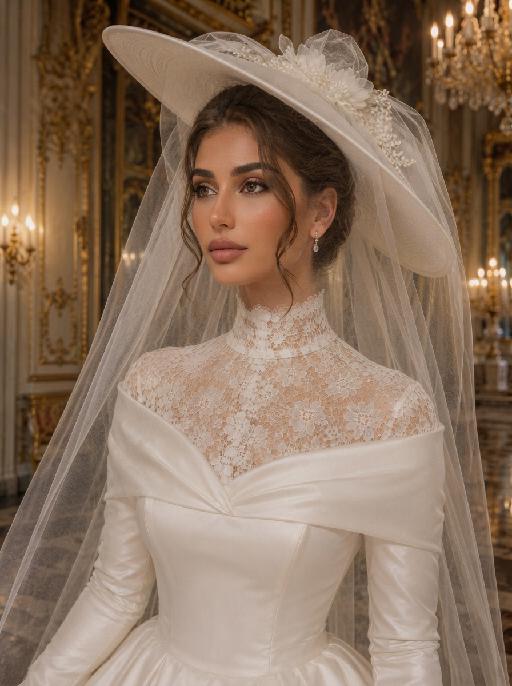
"Create a photorealistic cinematic wedding portrait of the two subjects from the uploaded image, preserving their exact faces, ages, facial features, skin tones, and overall likeness as accurately as possible. Transform the two subjects into a bride and groom walking together in front of a beautiful European-style chapel. The couple should strictly follow this intimate walking wedding pose: the groom stands on the left side of the image, walking slightly forward while holding the bride's hand. The bride stands on the right side of the image, walking beside him while holding his hand. They are stepping forward together in a natural elegant walking motion, close to each other, with relaxed posture and romantic body language. The groom turns his head slightly toward the bride and looks at her with a calm, affectionate expression. The bride turns her head slightly toward the groom and looks back at him with a joyful, happy, romantic expression, a soft natural smile, bright eyes, and a warm sense of happiness. The couple's hands are clearly joined between them at waist level, creating a romantic hand-in-hand walking pose. The bride holds a small elegant bridal bouquet in her other hand, positioned naturally near her waist or chest. The bouquet should be simple and refined, made of white flowers with subtle greenery, not oversized. Bride outfit: the bride wears a minimalist white wedding gown inspired by the reference pose image. The dress is sleek, elegant, fitted, and floor-length, with a clean satin or silk texture, a graceful V-neck or softly structured neckline, thin straps or sleeveless design, and a refined modern bridal silhouette. The gown should feel simple, high-end, and editorial, not overly puffy or princess-like. The bride wears a long translucent white bridal veil attached naturally to her hair, flowing softly behind her and around her shoulders as she walks. The veil should be visible, elegant, lightweight, and romantic, without covering her face too much. The bride also wears an elegant bridal necklace around her neck, such as a delicate pearl or diamond necklace, and subtle bridal earrings. The bride's hairstyle should match the hairstyle from the uploaded image as closely as possible, while allowing for natural adjustments needed to accommodate the bridal veil. Groom outfit: the groom wears a classic black tuxedo, fitted and elegant, with a clean white dress shirt, a black bow tie, black dress shoes, and a refined formal wedding look. The tuxedo should be dark, minimal, sharp, and well-tailored. Do not use a casual suit, colorful suit, necktie, or open-collar shirt. Background: an empty, romantic old European chapel or cathedral entrance with tall arched doors, stone columns, soft warm lights, subtle floral decorations, and a sacred wedding atmosphere. The couple appears to be walking out from the chapel entrance together after the wedding ceremony. The chapel doorway or arched entrance should frame the couple beautifully, creating a symmetrical and cinematic wedding composition. The background must be completely free of any other people, guests, staff, bystanders, priests, bridesmaids, groomsmen, or figures. The couple should be the only two people in the image. Lighting and color: golden hour sunlight mixed with soft chapel light, warm cinematic glow, gentle highlights on the tuxedo, wedding dress, bouquet, and veil, natural skin texture, realistic fabric details, emotional high-end wedding photography style. Use a low-saturation color palette, muted tones, soft black, ivory white, warm beige, soft gray, and elegant film-like colors. The overall tone should feel desaturated, timeless, sophisticated, romantic, and slightly film-like. Avoid overly vivid, bright, or highly saturated colors. Composition: vertical portrait, full-body or nearly full-body framing, the couple centered in front of the chapel entrance, walking forward hand in hand. The groom is on the left, the bride is on the right. Their bodies should be close but not overlapping too much. The veil should flow naturally behind the bride and add movement to the image. The image should feel like a candid luxury wedding photo captured at the perfect moment, romantic, elegant, intimate, and timeless. Ultra realistic photography, high-end wedding editorial style, natural facial details, realistic hands and fingers, realistic walking posture, realistic fabric texture, soft film grain, professional camera look, shallow depth of field, high detail, cinematic color grading, elegant muted wedding atmosphere. Negative prompt: extra people, background people, crowd, wedding guests, staff, bystanders, priest, bridesmaids, groomsmen, duplicated bride, duplicated groom, distorted faces, changed identity, inaccurate likeness, deformed hands, extra fingers, missing fingers, hands not holding, disconnected hands, unnatural arms, stiff pose, floating bouquet, oversized bouquet, missing bouquet, missing veil, veil covering the face completely, plastic skin, over-smoothed face, fake CGI look, wrong wedding dress, princess ball gown, colorful wedding dress, casual groom outfit, necktie instead of bow tie, open-collar shirt, missing necklace, text, logo, watermark, elevator, elevator doors, hotel hallway, floor number, low resolution, blurry face, oversaturated colors, vivid bright colors, harsh contrast."

Christmas Pet

"System Role: You are an expert AI Image Editing Assistant. Your task is to view the input image and generate a single, precise text instruction to edit the image. Logic Requirements: Analyze Identity: Identify the main subject. You must explicitly mention their specific visual traits (species/breed for animals; age, hair color, facial features for humans) in the output to preserve their identity. Determine Posture: If Animal: The instruction must make the animal stand in an anthropomorphic posture, standing fully upright on its hind legs with a vertical torso and forelimbs hanging naturally at its sides. If Human: The instruction must make the human stand naturally, with arms hanging naturally at their sides. Apply Scene & Costume: Wearing a red Santa hat with a white pompom on top, and dressed in a festive vintage Christmas sweater (with red and green color blocks, white snowflake patterns, and wearing a pair of red Christmas boots with white fur edges and a red bow at the toe; standing in a cozy Christmas scene (blurry Christmas tree, soft background light, fluffy snow carpet, warm American-style family home decoration Christmas scene). Style: Ultra-realistic, high-definition details"

Dog King AI effects generated image

Dog King

A majestic and highly detailed cinematic portrait of the uploaded animal (pet) — whose species, fur texture, facial features, ears, tail, and all animal characteristics remain completely unchanged — sitting confidently on an ornate, massive golden throne inside a grand, opulent European palace throne room. The uploaded subject has a proud, stoic expression, looking directly at the camera. It is wearing a luxurious, jewel-encrusted golden imperial crown on its head. Draped over its shoulders is a heavy, deep-red velvet royal mantle with exquisite gold embroidery and thick, white ermine fur trim, completely covering the torso and lower body at all times. The uploaded subject is holding a sparkling ornate golden scepter in its front paw. The uploaded subject has exactly the correct number of limbs for its species, with no extra paws, no extra legs, no duplicate limbs, and no additional appendages visible anywhere in the frame. Around its neck is a heavy, intricate golden collar featuring a large central ruby pendant. The lighting is dramatic and warm, with cinematic god rays illuminating the uploaded subject and the throne, creating a sharp focus on the fur texture and the metallic details of the gold. Background features blurred marble columns, rich damask wall patterns, and soft golden ambient light. 8K resolution, ultra-realistic, shot on 85mm lens, regal atmosphere, masterpiece.

Soon Our Bump AI effects generated image

Soon Our Bump

"Highest weight rigid constraint: large-size vintage newspaper fully covers the entire chest area, the top edge of the newspaper is level with the collarbone, the bottom edge covers the underbust, fits closely to the body, no chest skin or outline exposed, sensitive parts are fully covered all the time Vertical medium shot portrait, young pregnant woman standing in 45-degree side pose, body facing left of the frame, shoulders and hips maintain natural side angle, head turned to face the camera directly, cold and detached aloof expression, facial feature ratio, face contour, hair curl, hair color and hair volume 1:1 restore the reference portrait uploaded by the user, hairstyle shape is exactly the same as the reference picture, topless upper body, wearing light blue washed distressed low-rise jeans, jeans unbuttoned and unzipped, naturally slung to the hip bone position, revealing full round pregnant belly, navel is clear and natural, right hand holds the left edge of the newspaper, left hand supports the lower right edge of the newspaper, hands are in natural and stretched posture, finger structure is normal, the newspaper is flat with slight natural wrinkles, the surface of the newspaper has real newspaper printing texture, printed with clear black handwritten text ""BABY IS COMING SOON"", pure white seamless studio cyclorama background, soft and even light gray shadow on the floor at the bottom of the frame, minimalist clean picture, professional studio soft light layout, front softbox evenly fill light, side back rim light outlines hair and shoulder neck lines, delicate and real skin texture, soft light transition without hard edges, 8K ultra HD, RAW photo quality, professional commercial maternity photography, photorealistic, sharp focus on the face"

Cozy Junina AI effects generated image

Cozy Junina

"The pet stands upright like a human at a traditional Brazilian Festa Junina celebration — a warm, festive outdoor night with a large bonfire as the centerpiece, surrounded by rustic decorations, string lights, and sparse Bandeirinhas (small colorful paper flags). The atmosphere is joyful, intimate, and deeply authentic, not crowded, with only a few distant silhouettes of festival-goers blurred far in the background. Waist-up framing, 85mm f/1.8 lens, slight camera grain, natural chromatic aberration, imperfect real-world sharpness — shot on Sony A7IV. Fur: microscopically detailed individual hair strands, natural oil sheen, slight matting where fabric touches fur, visible skin texture beneath thin fur areas. No plastic, no wax, no CGI smoothness. Clothing: fabric has real weight and gravity, natural wrinkles and creases from movement, slight thread pulls, worn texture — an authentic red-and-blue plaid shirt, denim jeans, straw hat, and red neckerchief sit and drape naturally on the pet's body as if actually worn. Traditional Festa Junina face paint: small hand-painted freckles scattered naturally across the cheeks and nose, together with a subtle curled festival mustache delicately painted above the upper lip. The paint shows slight asymmetry, realistic pigment texture, minor fading, and imperfect brush strokes consistent with authentic Festa Junina celebrations. The makeup rests naturally on the fur surface without obscuring, altering, or stylizing any original facial features. Lighting: imperfect golden hour light mixed with warm bonfire illumination. Flickering orange firelight creates subtle uneven highlights on the fur and clothing, with realistic light falloff, slight lens flare, natural hotspots, and soft shadow inconsistencies. NOT studio-perfect lighting. Expression: soft, naturally asymmetric smile, slight muscle tension around eyes, one side of mouth marginally higher — organic, not mirrored or perfectly symmetrical. The pet holds a rustic ceramic mug of steaming Quentão — steam rendered with physical accuracy, mug showing real ceramic imperfections and glaze variations. Background & celebration elements: A large traditional Festa Junina bonfire glows warmly as the primary visual element behind the subject, with realistic flames, sparks, smoke, and ember particles. Surrounding the bonfire are sparse Bandeirinhas strung loosely overhead, a few warm string lights, and subtle rustic festival decorations (bamboo, hay, or simple wooden structures suggested faintly). The celebration feels alive but spacious — only a very small number of distant festival-goers appear far in the background as tiny indistinct silhouettes, heavily blurred by shallow depth of field. No dense crowd, no busy fairground chaos. The overall mood is festive, cozy, and authentically Brazilian, with the bonfire’s warmth and the quiet joy of a rural festa. Vertical composition, centered subject, aspect ratio 3:4. Kodak Portra 400 color grading, subtle film grain, natural color shifts. Ultra-photorealistic documentary photography, authentic Brazilian cultural atmosphere, physically accurate materials, natural imperfections, real-world optical behavior, professional editorial portrait — no cartoon, no illustration, no CGI, no 3D render, no AI-art look, no oversmoothing, no exaggerated facial painting. "

Sky Pounce AI effects generated image

Sky Pounce

"Use the uploaded pet image as the only identity reference. Create a highly realistic vertical wallpaper-style portrait of the same pet jumping toward the camera in a bright blue sky. Strictly preserve the pet’s exact species, breed, face shape, fur color, fur texture, eye color, ear shape, nose, markings, collar, and overall recognizability. Camera and composition: - extreme low-angle perspective, looking upward from directly below the pet - ultra-wide fisheye lens - the pet is centered and appears to leap or float toward the camera - the face is very close to the lens, with the nose slightly enlarged by perspective - both front paws reach naturally toward the camera with strong foreshortening - the pet’s body extends backward into the sky - joyful open-mouth expression, tongue visible, energetic and friendly - dynamic but anatomically correct pose Environment: - bright natural blue sky - soft bright white clouds - strong fisheye sky distortion around the outer edges - the sky and clouds wrap around the frame like a dreamy sky dome - bright sunlight from one side - subtle natural lens flare - clean, uplifting, playful summer atmosphere Wallpaper direction: - make the composition suitable for a phone wallpaper - keep the image clean and visually striking - allow a little breathing space in the upper area - no lock screen UI elements - no clock - no date - no username - no watermark - no extra text Important frame rule: - the fisheye effect must fill the entire image edge-to-edge - do not create any black borders - do not create any circular frame edges - do not create vignette or dark corners - do not create a lens mask effect - the sky and clouds must extend fully to all four edges of the canvas - the final image must be full-bleed and seamless Color and texture direction: - use a softer and more natural color treatment - slightly muted colors - lower saturation overall - gentle contrast - balanced highlights and shadows - natural fur tones - avoid overly vivid or neon-like blue sky - avoid oversaturated fur colors - keep the lighting bright but not harsh - maintain a clean, airy, premium wallpaper mood - use a subtle, elegant, slightly cinematic color grading Style: hyper-realistic pet photography, playful action shot, immersive fisheye perspective, crisp fur details, natural sunlight, cheerful and eye-catching wallpaper aesthetic, with refined and slightly muted color tones. Vertical composition, suitable for wallpaper."

Broom Flight AI effects generated image

Broom Flight

"Full-bleed vertical 3:4 photorealistic fantasy wizard flying-broom stadium scene. The uploaded reference image is the exact pet identity and MUST be preserved. Highest priority: keep the same gray tabby cat from the reference photo: same gray striped forehead and cheeks, same greenish eyes, pink nose, muzzle shape, ear shape, face proportions and fur markings. Do not replace it with another cat. Transform only costume, pose, and environment. Scene must strictly follow the flying broom gameplay reference from the Feishu document: magical sports stadium / castle arena, the cat riding a wooden broom in midair, black wizard hat, black robe with gold decorative trim if visible, golden flying broom details and colorful balls in the stadium, dramatic cinematic retro film texture, pet face sharp and readable. Scarf color and style MUST match the broom reference image exactly: blue and white alternating stripes. A knitted school scarf with clear blue-and-white horizontal bands, soft ribbed wool texture, scarf trailing in flight. Do NOT use red, burgundy, yellow, gold, green, silver, or black-yellow on the scarf. No readable text, no logos, no watermark,"

Morning Paw AI effects generated image

Morning Paw

"Cute expression sticker featuring the character from the uploaded picture, depicting the subject lazily stretching out in gentle morning light. One paw holds a delicate coffee cup, presenting a sleepy, relaxed, and happy expression. Warm golden sunrise light combined with soft scattered sunlight, presenting a warm color palette of peach and cream. In the center at the bottom, smooth and round text in a cute hand-drawn font reads: ""Good morning, my love!"" Decorated with cute hand-drawn doodles: fluffy clouds, a smiling sun, relaxed wavy lines, tiny stars, and small hearts, in a universally cheerful and lighthearted style. Photorealistic style with soft and warm ambient light, delicate fur/hair texture, creating a warm and cozy atmosphere. Irregular white border, pure white background, ultra-high-definition 8K format. Suitable for use as a cute emoticon on any social media platform globally. Simple irregular white border sticker finish."

Load more

Next-Gen Multi-Model AI Video Architecture

Vivago AI isn't just one engine—it’s a unified hub for the world’s most advanced video AI. Whether you need cinematic realism or high-speed social content, we provide the right model for your creative vision.

Free Generate

Beauty and Dolphins

Vacation Time

Stellar Tear

Fish Tank Supervisor

Cinematic Quality & Precision Control

Enables 4K resolution with multi-lens motion control, generating delicate scene via text prompts for customized cinematography.​

TRY NOW

Dynamic AV Sync

Auto-generates original audio to avoid copyright issues. Build 3D immersive environments through layered sound design automatically.

TRY NOW

OpenAI Sora 2

​Advanced visual storytelling with unparalleled physics and consistency.

TRY NOW

Kling v2.6 Pro

Industry-leading cinematic image animation and motion control.

TRY NOW

Google Veo 3 & 3.1

Ultra-fast generation with enhanced realism for creative workflows.

TRY NOW

Vivago AI 2.0

Our proprietary model optimized for efficiency, speed, and cost-effective generation.
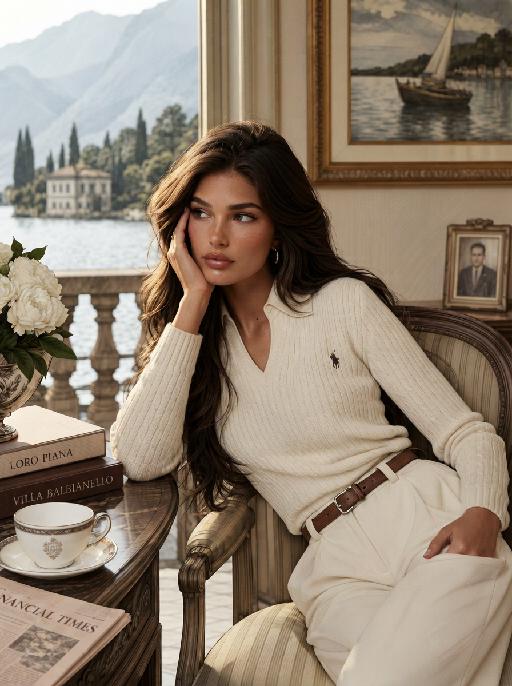
TRY NOW

Users' Voice

We listen carefully to the opinions of every user.
Free Generate
Contact Us
I tried the Lip Sync feature inside Vivago.ai’s AI Video Generator for my educational podcast, and the results were stunning! The avatar's lip movements perfectly matched my audio recording, creating a professional AI-generated video without complex editing. Compared with tools like OpenAI Sora 2 and Google Veo 3.1, Vivago Image-to-Video delivers fast, studio-quality results online. It saved me hours of post-production work.
ElenaM (Spain)
Vivago’s Image-to-Video AI transformed my marketing workflow. I uploaded a product image and described the launch scene in text, and it generated a 10-second cinematic AI video with background music and dynamic visuals. The output quality rivals Kling v2.6 Pro and Google Veo 3 Fast. It’s now my go-to AI video generator for social media ads and product campaigns.
KenjiT (Japan)
As a digital artist, I use Vivago.ai 2.0 daily for Image-to-Image and AI Image-to-Video creation. The e-book covers and animated visuals I generate for clients look cinematic and professional. Unlike many standalone AI tools, Vivago integrates multiple leading models into one platform, making it easier to create copyright-safe AI images and videos for publishing.
ChenL (China)
I tried the Lip Sync feature inside Vivago.ai’s AI Video Generator for my educational podcast, and the results were stunning! The avatar's lip movements perfectly matched my audio recording, creating a professional AI-generated video without complex editing. Compared with tools like OpenAI Sora 2 and Google Veo 3.1, Vivago Image-to-Video delivers fast, studio-quality results online. It saved me hours of post-production work.
ElenaM (Spain)
Vivago’s Image-to-Video AI transformed my marketing workflow. I uploaded a product image and described the launch scene in text, and it generated a 10-second cinematic AI video with background music and dynamic visuals. The output quality rivals Kling v2.6 Pro and Google Veo 3 Fast. It’s now my go-to AI video generator for social media ads and product campaigns.
KenjiT (Japan)
As a digital artist, I use Vivago.ai 2.0 daily for Image-to-Image and AI Image-to-Video creation. The e-book covers and animated visuals I generate for clients look cinematic and professional. Unlike many standalone AI tools, Vivago integrates multiple leading models into one platform, making it easier to create copyright-safe AI images and videos for publishing.
ChenL (China)
I absolutely love Vivago’s AI Image-to-Video Generator. As a travel blogger, static images often fail to capture real atmosphere, but Vivago helps me turn photos into vivid cinematic AI videos with motion effects. It feels comparable to OpenAI Sora 2 and Google Veo 3.1, but more accessible and faster for creators who need high-quality AI videos online.
LiamK (Australia)
I tried the Lip Sync feature inside Vivago.ai’s AI Video Generator for my educational podcast, and the results were stunning! The avatar's lip movements perfectly matched my audio recording, creating a professional AI-generated video without complex editing. Compared with tools like OpenAI Sora 2 and Google Veo 3.1, Vivago Image-to-Video delivers fast, studio-quality results online. It saved me hours of post-production work.
ElenaM (Spain)
Vivago’s Image-to-Video AI transformed my marketing workflow. I uploaded a product image and described the launch scene in text, and it generated a 10-second cinematic AI video with background music and dynamic visuals. The output quality rivals Kling v2.6 Pro and Google Veo 3 Fast. It’s now my go-to AI video generator for social media ads and product campaigns.
KenjiT (Japan)
As a digital artist, I use Vivago.ai 2.0 daily for Image-to-Image and AI Image-to-Video creation. The e-book covers and animated visuals I generate for clients look cinematic and professional. Unlike many standalone AI tools, Vivago integrates multiple leading models into one platform, making it easier to create copyright-safe AI images and videos for publishing.
ChenL (China)
I absolutely love Vivago’s AI Image-to-Video Generator. As a travel blogger, static images often fail to capture real atmosphere, but Vivago helps me turn photos into vivid cinematic AI videos with motion effects. It feels comparable to OpenAI Sora 2 and Google Veo 3.1, but more accessible and faster for creators who need high-quality AI videos online.
LiamK (Australia)
Using Vivago.ai’s Image-to-Video AI has greatly enhanced my classroom teaching. I transform textbook notes into historical AI videos with cinematic filters and dynamic animations. Compared with tools like Kling v2.6 Pro and Google Veo 3 Fast, Vivago offers faster generation and easier parameter control for educators who need reliable AI video creation.
RajivG (India)
I frequently create AI videos on Vivago and publish them on TikTok and YouTube Shorts. The AI video templates and trending content ideas help me produce viral-ready clips quickly. With Vivago’s integrated models—including advanced video engines similar to OpenAI Sora 2—I can generate anime-style and cinematic social media videos that drive high engagement.
MarieJ (Spain)
What attracts me most about Vivago.ai is not only the powerful AI Video Generator but also the active AIGC creator community. It combines AI Image-to-Video, Text-to-Video, and leading model integrations like Google Veo 3.1 into one creative platform.
TomW (India)
At first, I was hesitant about using AI video tools. But after trying Vivago Image-to-Video, I realized how easy it is to create professional AI-generated videos online. I just upload an image, add a short prompt, and adjust a few settings. The results are cinematic and copyright-safe, which is essential for commercial projects.
HectorC (Mexico)
Using Vivago.ai’s Image-to-Video AI has greatly enhanced my classroom teaching. I transform textbook notes into historical AI videos with cinematic filters and dynamic animations. Compared with tools like Kling v2.6 Pro and Google Veo 3 Fast, Vivago offers faster generation and easier parameter control for educators who need reliable AI video creation.
RajivG (India)
I frequently create AI videos on Vivago and publish them on TikTok and YouTube Shorts. The AI video templates and trending content ideas help me produce viral-ready clips quickly. With Vivago’s integrated models—including advanced video engines similar to OpenAI Sora 2—I can generate anime-style and cinematic social media videos that drive high engagement.
MarieJ (Spain)
What attracts me most about Vivago.ai is not only the powerful AI Video Generator but also the active AIGC creator community. It combines AI Image-to-Video, Text-to-Video, and leading model integrations like Google Veo 3.1 into one creative platform.
TomW (India)
At first, I was hesitant about using AI video tools. But after trying Vivago Image-to-Video, I realized how easy it is to create professional AI-generated videos online. I just upload an image, add a short prompt, and adjust a few settings. The results are cinematic and copyright-safe, which is essential for commercial projects.
HectorC (Mexico)