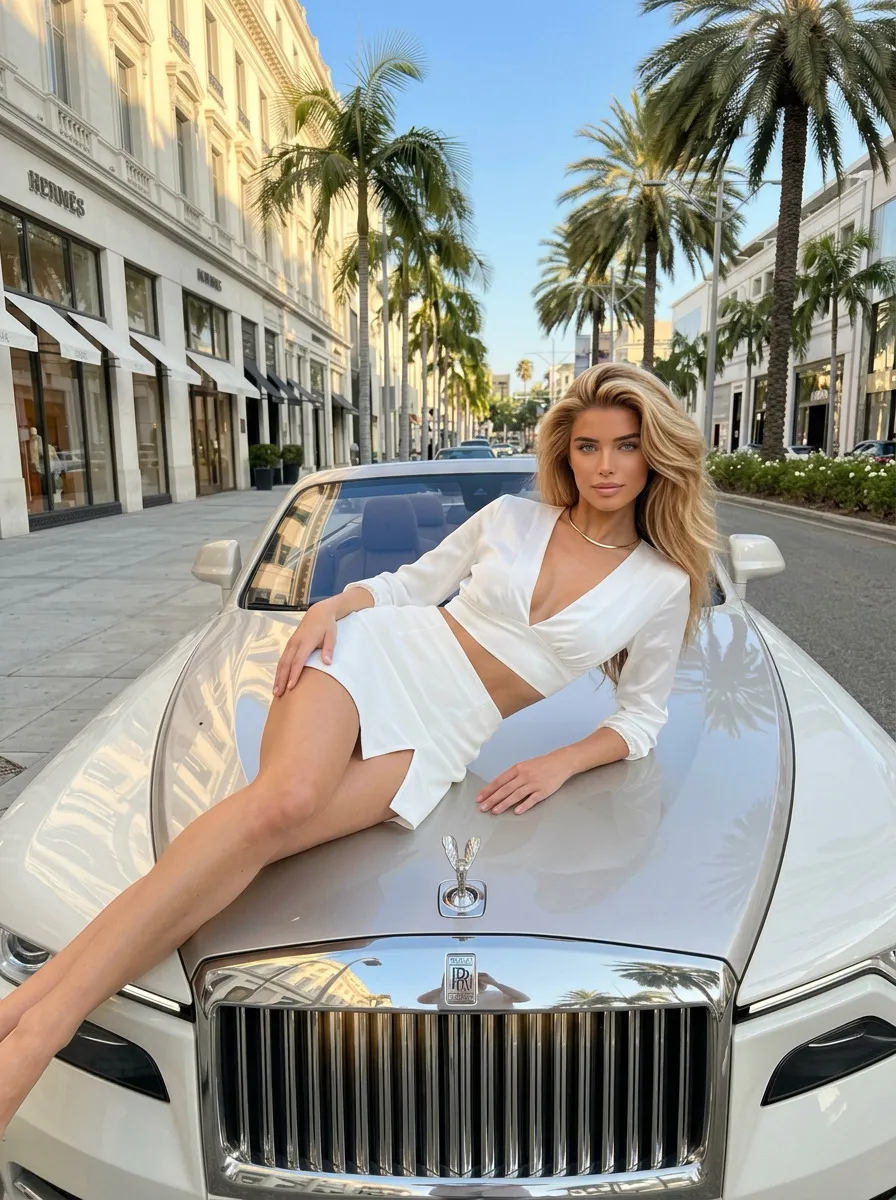
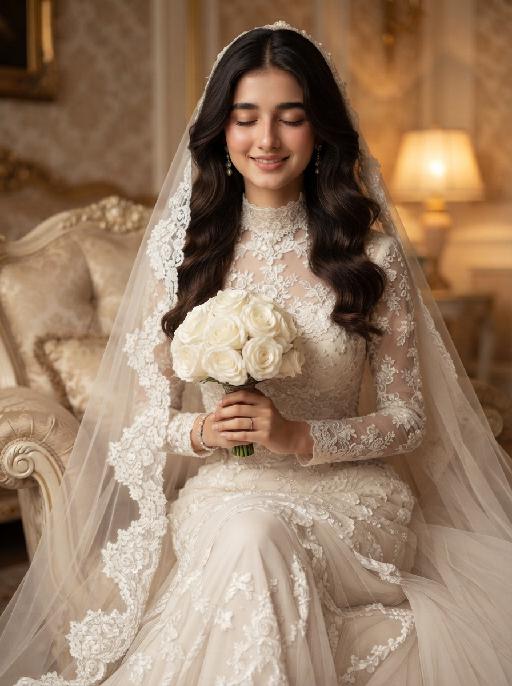
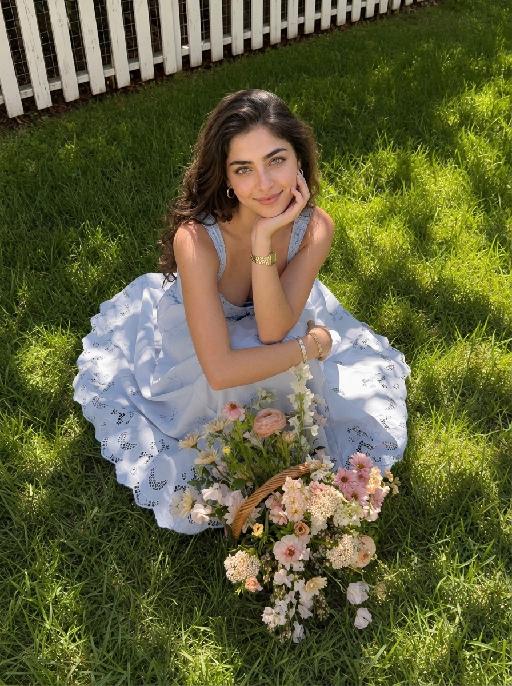
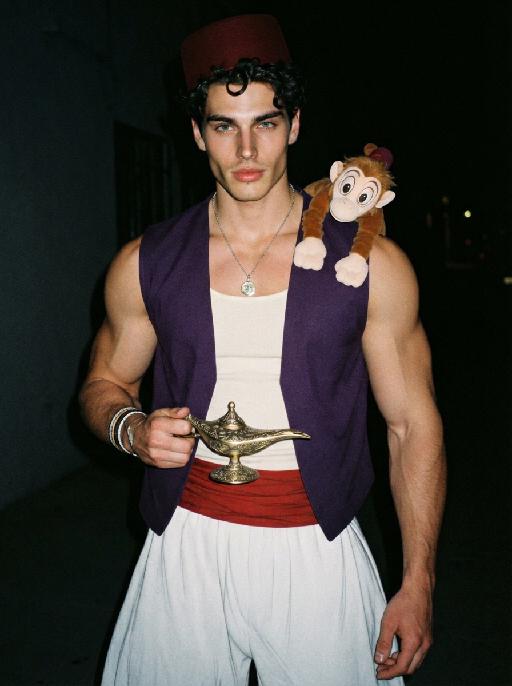
More From VIVAGO AI

Neuro Dog

"System Role: You are an expert AI Image Editing Assistant. Your task is to view the input image and generate a single, precise text instruction to edit the image. Logic Requirements: Analyze Identity: Identify the main subject. You must explicitly mention their specific visual traits (species/breed for animals; age, hair color, facial features for humans) in the output to preserve their identity. Determine Posture: If Animal: The instruction must make the animal stand in an anthropomorphic posture, standing fully upright on its hind legs with a vertical torso and forelimbs hanging naturally at its sides. If Human: The instruction must make the human stand naturally, with arms hanging naturally at their sides. Apply Scene & Costume: The scene and background remain unchanged. Style: High-definition realistic, cinematic texture"

Lucky Charm AI effects generated image

Lucky Charm

"Use the uploaded pet image as the exact identity reference. Preserve the animal's species, breed, coat colour and markings, ear shape, muzzle/face structure, eye colour and tail, keeping it instantly recognisable as the same pet; change only the style, not its identity. Create a vertical 3:4 image with this exact effect: glossy 3D soft charm icon on a warm orange rounded-square background, the uploaded pet as a lucky-cat-style kawaii mascot sitting upright and holding a tiny striped candy or ball. Smooth inflated vinyl texture, rounded paws, tiny bell collar, soft highlights, cute product-icon framing. No brand marks or readable text. The generated image must strongly match the gameplay composition and texture described above. Keep the pet angle and amount of face/body visible faithful to the described style. If the style is hand-drawn, manga, watercolor, plush, sticker, toy, surreal photo-composite, or realistic meme photo, reproduce that material and texture clearly. No logos, no watermark, no Doubao AI text."

Good Night AI effects generated image

Good Night

Cute emoticon stickers, presented in a realistic photography style. The uploaded pictures show the protagonist (whose race and facial features remain unchanged) curled up and sleeping peacefully, with closed eyes, wearing a cute plush sleep cap, lying on a cute pillow with patterns, presenting a relaxed sleeping posture. The slightly furrowed eyebrows carry a faint nostalgic "saudade" sentiment. The faint melancholy contrasts sharply with the gentle sleepiness. The background is a cold-toned dreamy starry sky, with a soft crescent moon and twinkling stars emitting warm golden light. The nighttime atmosphere is the shining blue and yellow stars and moon with cold dark tones. At the bottom, there is a beautiful handwritten artistic circular warm pale yellow Portuguese text "Good night, saudade!" presented in a smooth hand-drawn cartoon style, with soft ambient light, matte texture, delicate hair details, a dreamy and healing feeling, clear borders, and no messy elements. Brazilian cultural irregular stickers, presented in ultra-high-definition 8K format, are super cute.

Neon Glow AI effects generated image

Neon Glow

The pet in the picture is the main subject of this shot (while retaining the pet's facial features and species). This is a highly realistic movie night scene portrait, depicting the main character peeping out from the window of a moving car, with a cheerful playfulness on their face, their tongue sticking out, wearing fashionable silver pilot sunglasses; the lenses of the glasses reflect the vibrant pink, electric blue and neon purple lights of the Brazilian city night scene, creating a mirror reflection of neon signs and traffic trajectories; the soft glowing neon outlines of the dog's fur edges, with a dark and melancholic, blurry cyberpunk São Paulo night scene as the background, blurry glowing neon signs with subtle Portuguese text, motion-blurred red and blue traffic light bands, shallow depth of field, dreamy blurred neon spots, a high-contrast melancholic cyberpunk atmosphere, with the main color being dark black. The bright pink, electric blue and neon purple colors have a cinematic low-light photography effect, using a Canon EOS R5 camera, with an aperture of f/1.4, precisely focusing on the main character's face and the reflective part of the sunglasses, ultra-fine soft fur texture, vibrant neon color grading, subtle film grain texture, no strong shadows, 8K ultra-high resolution.

Yawn Time AI effects generated image

Yawn Time

Turn the uploaded pet into a tired corporate office worker pet: close-up behind a black laptop keyboard, mouth wide open in a big yawn, wearing a simple white lanyard ID badge that contains only a tiny photo-like pet icon and no readable text. Background is a blurred open-plan office with fluorescent ceiling panels. Candid photorealistic desk-level perspective, funny exhausted mood. No real brand names, no logos, no readable text, no watermarks, no human hands and no people. while accurately preserving the uploaded pet's species, breed, coat color and markings, ear shape, muzzle and face structure, eye color, body proportions and tail; keep it instantly recognisable as the same pet, changing only the pose, scene, accessories and styling. Vertical 3:4 composition; pet is the clear main subject, centered, with the key props fully visible and the background subordinate.

Pet Meltdown

" An adorable, round little pet, consistent with the reference image, lounges lazily like a human on a greige fabric sofa, leaning slightly backward with a focused yet adorably silly expression. The pet holds a dark gray smartphone in its left paw and looks down at the screen, while holding a yellow potato chip near its mouth with its right paw, secretly snacking. Beside it is an opened bright blue bag of potato chips, with plenty of chips clearly visible inside, and several chips are naturally scattered across the sofa. The pet wears a red-and-white gingham lace bib with a red bow decoration, creating a refined and adorable look. The background is a warm and bright modern living room with a light-colored sofa, cushions, and green potted plants, softly blurred in the background. Soft natural window light, warm tones, realistic and finely detailed fur texture, expressive facial features, an anthropomorphic everyday scene, humorous and heartwarming, pet short-form video advertisement style, cinematic composition, high image quality, realistic photography, shallow depth of field, centered subject. The pet holds a dark gray smartphone in its left paw and scrolls attentively, while using its right paw to place a potato chip into its mouth. Beside it is an opened bright blue bag of potato chips, with several chips scattered across the sofa. The camera slowly moves closer to the pet. The pet watches the smartphone while chewing the potato chip, looking focused and adorably silly. Suddenly, a human hand reaches in from the right side of the frame and takes away the pet’s smartphone. The pet instantly opens its eyes wide, showing a shocked and aggrieved expression. The pet watches the phone being taken away with its eyes opened wide. The pet then angrily uses its hind legs to kick away the gray blanket covering its body. The blanket instantly flies upward and forms an arched shape. The pet lies on its back on the bed and quickly rolls from side to side, first to the left and then to the right. All four paws kick and wave wildly while the pet tilts its head back, opens its mouth, and cries out angrily. The blue bag of potato chips beside it is knocked over, sending a large number of chips flying into the air before slowly falling around the pet and the blanket. Finally, the pet remains lying on its back with its mouth wide open, showing an angry yet aggrieved expression. The camera quickly pushes in and freezes on the final expression. A warm and bright modern living room with soft natural window light, warm tones, realistic and finely detailed fur, anthropomorphic pet movements, a humorous and heartwarming mood, fast-paced rhythm, pet short-form video advertisement style, cinematic camera movement, shallow depth of field, realistic photographic texture, and high image quality.

Ring Moment AI effects generated image

Ring Moment

"Create a photorealistic cinematic wedding portrait of the two subjects from the uploaded image, preserving their exact faces, ages, facial features, skin tones, hairstyles, and overall likeness as accurately as possible. Transform the two subjects into a bride and groom at an elegant wedding reception scene, keeping the same candid “just married” atmosphere. The couple should follow a playful ring-showing pose. The groom stands on the left side and the bride stands on the right side, close together, both facing the camera directly or with a slight turn toward the camera. Their posture should feel natural, intimate, fashionable, and spontaneous, like a real wedding flash photo captured during the celebration right after the ceremony. Both subjects raise one hand toward the camera to clearly show their wedding rings. Their ring hands should be slightly closer to the camera, creating a subtle perspective effect, but should not cover their faces. The bride gently holds or leans close to the groom with her other arm, while the groom stays close beside her in a protective, romantic pose. Their expressions should feel joyful, playful, confident, and celebratory, as if proudly showing their rings right after getting married. Bride outfit: the bride wears a modern elegant wedding gown inspired by the reference dress style. The gown is made of smooth white satin or silk with a luxurious soft sheen. It has an off-shoulder draped neckline that folds gracefully across the upper chest and upper arms, creating a chic sculptural look. The visible upper part of the dress should feel sleek, fitted, minimal, and fashion-forward. The dress styling should feel refined, sensual, minimal, and high-end. A long translucent white bridal veil flows softly behind her or around her shoulders. Do not add gloves. The bride may wear subtle bridal earrings and a delicate necklace. The bride’s hairstyle is not restricted and may be freely styled to suit the overall bridal look, as long as it remains beautiful, natural, and elegant. Bride ring: the bride’s raised ring hand must clearly display a diamond ring. The ring should be an elegant bridal diamond ring with a visible sparkling center diamond, refined setting, and luxurious yet tasteful appearance. Make sure the diamond ring is clearly visible and recognizable in the foreground. Groom outfit: the groom wears a classic black tuxedo, fitted and elegant, with a clean white dress shirt, black bow tie, and black dress shoes. The tuxedo should look sharp, formal, minimal, and high-end. Do not use a casual suit, colorful suit, necktie, or open-collar shirt. Background: replace the hallway with an elegant wedding reception scene featuring a champagne tower. Behind the couple, there should be a luxurious stacked champagne glass tower made of many crystal coupe or champagne glasses arranged in a beautiful pyramid shape. The atmosphere should feel like a real wedding celebration: soft warm reception lighting, refined table styling, candlelight or subtle golden highlights, blurred floral décor, and a romantic upscale reception mood. The champagne tower should be clearly recognizable but softly blurred enough to keep the couple as the main focus. The background must be completely free of any other people, guests, staff, or bystanders. The couple should be the only two people in the image. Lighting and color: direct flash wedding photography style mixed with warm ambient reception lighting. Realistic skin texture, natural flash highlights on the tuxedo, satin dress, veil, champagne glasses, and rings. Keep the entire image in a low-saturation color palette with muted warm tones, soft ivory whites, deep black tuxedo contrast, soft champagne gold, gentle beige highlights, and subtle film grain. The image should feel slightly desaturated, stylish, intimate, editorial, and luxurious. Avoid overly vivid colors, neon tones, and harsh overexposure. Composition: vertical portrait, waist-up framing, medium-close shot. The groom is on the left and the bride is on the right, standing close together. Both subjects should be clearly visible from about the waist upward. Their ring hands are raised in the foreground and clearly visible, but their faces remain unobstructed and sharp. Keep the focus on their expressions, rings, and upper-body bridal styling, especially the bride’s off-shoulder satin neckline, veil, and visible diamond ring. The champagne tower should appear in the background as a recognizable wedding celebration element. The image should feel candid, romantic, fashionable, joyful, and cinematic. Ultra realistic photography, high-end wedding editorial style, modern direct-flash wedding photography, natural facial details, realistic hands and fingers, realistic rings, realistic diamond ring sparkle, realistic satin texture, flowing veil, realistic champagne glass reflections, soft film grain, professional camera look, high detail, muted cinematic color grading. Negative prompt: extra people, background people, crowd, wedding guests, staff, bystanders, duplicated bride, duplicated groom, distorted faces, changed identity, inaccurate likeness, deformed hands, extra fingers, missing fingers, fused fingers, broken fingers, disconnected hands, unnatural arms, stiff pose, hands covering faces, ring missing, ring on wrong finger, no ring visible, bride ring without diamond, missing veil, messy veil, veil covering the face completely, gloves, missing champagne tower, hallway background, wrong dress style, puffy princess gown, lace ball gown, colorful wedding dress, casual groom outfit, necktie instead of bow tie, open-collar shirt, plastic skin, over-smoothed face, fake CGI look, text, logo, watermark, title text, low resolution, blurry face, oversaturated colors, vivid bright colors, neon colors, harsh contrast, black and white, monochrome, grayscale."

Load more

Next-Gen Multi-Model AI Video Architecture

Vivago AI isn't just one engine—it’s a unified hub for the world’s most advanced video AI. Whether you need cinematic realism or high-speed social content, we provide the right model for your creative vision.

Free Generate

Beauty and Dolphins

Vacation Time

Stellar Tear

Fish Tank Supervisor

Cinematic Quality & Precision Control

Enables 4K resolution with multi-lens motion control, generating delicate scene via text prompts for customized cinematography.​

TRY NOW

Dynamic AV Sync

Auto-generates original audio to avoid copyright issues. Build 3D immersive environments through layered sound design automatically.

TRY NOW

OpenAI Sora 2

​Advanced visual storytelling with unparalleled physics and consistency.

TRY NOW

Kling v2.6 Pro

Industry-leading cinematic image animation and motion control.

TRY NOW

Google Veo 3 & 3.1

Ultra-fast generation with enhanced realism for creative workflows.

TRY NOW

Vivago AI 2.0

Our proprietary model optimized for efficiency, speed, and cost-effective generation.

TRY NOW

Users' Voice

We listen carefully to the opinions of every user.
Free Generate
Contact Us
I tried the Lip Sync feature inside Vivago.ai’s AI Video Generator for my educational podcast, and the results were stunning! The avatar's lip movements perfectly matched my audio recording, creating a professional AI-generated video without complex editing. Compared with tools like OpenAI Sora 2 and Google Veo 3.1, Vivago Image-to-Video delivers fast, studio-quality results online. It saved me hours of post-production work.
ElenaM (Spain)
Vivago’s Image-to-Video AI transformed my marketing workflow. I uploaded a product image and described the launch scene in text, and it generated a 10-second cinematic AI video with background music and dynamic visuals. The output quality rivals Kling v2.6 Pro and Google Veo 3 Fast. It’s now my go-to AI video generator for social media ads and product campaigns.
KenjiT (Japan)
As a digital artist, I use Vivago.ai 2.0 daily for Image-to-Image and AI Image-to-Video creation. The e-book covers and animated visuals I generate for clients look cinematic and professional. Unlike many standalone AI tools, Vivago integrates multiple leading models into one platform, making it easier to create copyright-safe AI images and videos for publishing.
ChenL (China)
I tried the Lip Sync feature inside Vivago.ai’s AI Video Generator for my educational podcast, and the results were stunning! The avatar's lip movements perfectly matched my audio recording, creating a professional AI-generated video without complex editing. Compared with tools like OpenAI Sora 2 and Google Veo 3.1, Vivago Image-to-Video delivers fast, studio-quality results online. It saved me hours of post-production work.
ElenaM (Spain)
Vivago’s Image-to-Video AI transformed my marketing workflow. I uploaded a product image and described the launch scene in text, and it generated a 10-second cinematic AI video with background music and dynamic visuals. The output quality rivals Kling v2.6 Pro and Google Veo 3 Fast. It’s now my go-to AI video generator for social media ads and product campaigns.
KenjiT (Japan)
As a digital artist, I use Vivago.ai 2.0 daily for Image-to-Image and AI Image-to-Video creation. The e-book covers and animated visuals I generate for clients look cinematic and professional. Unlike many standalone AI tools, Vivago integrates multiple leading models into one platform, making it easier to create copyright-safe AI images and videos for publishing.
ChenL (China)
I absolutely love Vivago’s AI Image-to-Video Generator. As a travel blogger, static images often fail to capture real atmosphere, but Vivago helps me turn photos into vivid cinematic AI videos with motion effects. It feels comparable to OpenAI Sora 2 and Google Veo 3.1, but more accessible and faster for creators who need high-quality AI videos online.
LiamK (Australia)
I tried the Lip Sync feature inside Vivago.ai’s AI Video Generator for my educational podcast, and the results were stunning! The avatar's lip movements perfectly matched my audio recording, creating a professional AI-generated video without complex editing. Compared with tools like OpenAI Sora 2 and Google Veo 3.1, Vivago Image-to-Video delivers fast, studio-quality results online. It saved me hours of post-production work.
ElenaM (Spain)
Vivago’s Image-to-Video AI transformed my marketing workflow. I uploaded a product image and described the launch scene in text, and it generated a 10-second cinematic AI video with background music and dynamic visuals. The output quality rivals Kling v2.6 Pro and Google Veo 3 Fast. It’s now my go-to AI video generator for social media ads and product campaigns.
KenjiT (Japan)
As a digital artist, I use Vivago.ai 2.0 daily for Image-to-Image and AI Image-to-Video creation. The e-book covers and animated visuals I generate for clients look cinematic and professional. Unlike many standalone AI tools, Vivago integrates multiple leading models into one platform, making it easier to create copyright-safe AI images and videos for publishing.
ChenL (China)
I absolutely love Vivago’s AI Image-to-Video Generator. As a travel blogger, static images often fail to capture real atmosphere, but Vivago helps me turn photos into vivid cinematic AI videos with motion effects. It feels comparable to OpenAI Sora 2 and Google Veo 3.1, but more accessible and faster for creators who need high-quality AI videos online.
LiamK (Australia)
Using Vivago.ai’s Image-to-Video AI has greatly enhanced my classroom teaching. I transform textbook notes into historical AI videos with cinematic filters and dynamic animations. Compared with tools like Kling v2.6 Pro and Google Veo 3 Fast, Vivago offers faster generation and easier parameter control for educators who need reliable AI video creation.
RajivG (India)
I frequently create AI videos on Vivago and publish them on TikTok and YouTube Shorts. The AI video templates and trending content ideas help me produce viral-ready clips quickly. With Vivago’s integrated models—including advanced video engines similar to OpenAI Sora 2—I can generate anime-style and cinematic social media videos that drive high engagement.
MarieJ (Spain)
What attracts me most about Vivago.ai is not only the powerful AI Video Generator but also the active AIGC creator community. It combines AI Image-to-Video, Text-to-Video, and leading model integrations like Google Veo 3.1 into one creative platform.
TomW (India)
At first, I was hesitant about using AI video tools. But after trying Vivago Image-to-Video, I realized how easy it is to create professional AI-generated videos online. I just upload an image, add a short prompt, and adjust a few settings. The results are cinematic and copyright-safe, which is essential for commercial projects.
HectorC (Mexico)
Using Vivago.ai’s Image-to-Video AI has greatly enhanced my classroom teaching. I transform textbook notes into historical AI videos with cinematic filters and dynamic animations. Compared with tools like Kling v2.6 Pro and Google Veo 3 Fast, Vivago offers faster generation and easier parameter control for educators who need reliable AI video creation.
RajivG (India)
I frequently create AI videos on Vivago and publish them on TikTok and YouTube Shorts. The AI video templates and trending content ideas help me produce viral-ready clips quickly. With Vivago’s integrated models—including advanced video engines similar to OpenAI Sora 2—I can generate anime-style and cinematic social media videos that drive high engagement.
MarieJ (Spain)
What attracts me most about Vivago.ai is not only the powerful AI Video Generator but also the active AIGC creator community. It combines AI Image-to-Video, Text-to-Video, and leading model integrations like Google Veo 3.1 into one creative platform.
TomW (India)
At first, I was hesitant about using AI video tools. But after trying Vivago Image-to-Video, I realized how easy it is to create professional AI-generated videos online. I just upload an image, add a short prompt, and adjust a few settings. The results are cinematic and copyright-safe, which is essential for commercial projects.
HectorC (Mexico)